
How to Stop Smoke Alarm from Beeping Without Battery: 9 Proven Solutions
Knowing how to stop smoke alarm from beeping without battery saves you annoyance fast. The most common fix is to reset the alarm and clean it thoroughly. Smoke alarms store a small charge and may beep even if the battery is out.
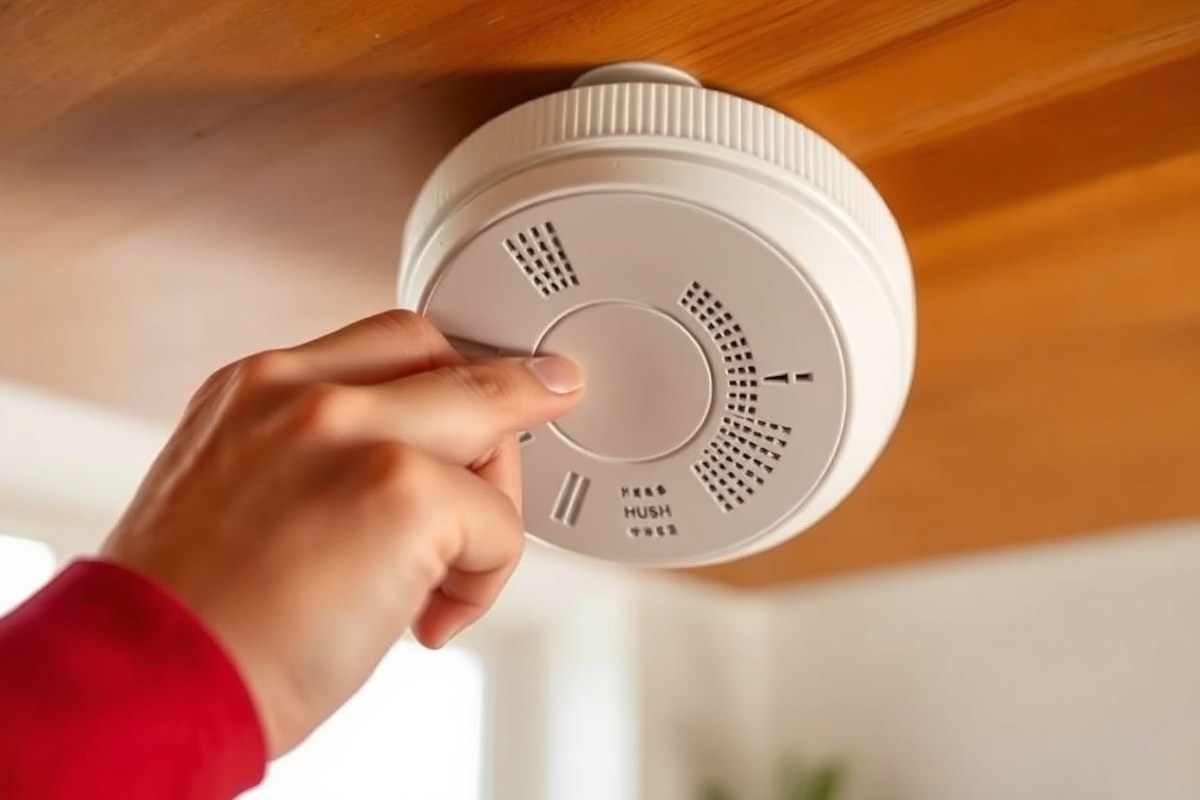
Start by removing the alarm from its mount. Press and hold the test button for 15 to 30 seconds to drain leftover power. This resets the sensor and usually stops the beeping for several minutes or longer.
Check for dust or insect debris inside the alarm’s vents too. Dirt can cause false beeps even without a battery. Wiping off any grime with a soft brush often stops the noise right away.
Key Takeaways
- Press and hold the test button for up to 30 seconds to reset the alarm.
- Remove the smoke alarm from the ceiling for easier access during cleaning.
- Use a soft brush or compressed air to clear dust and debris from vents.
- Be patient; resetting may silence beeping for 8 to 10 minutes temporarily.
- Check for any stuck buttons or damage on the smoke alarm’s body.
- Look for an old manufacturing date; smoke alarms need replacement after 10 years.
1. How to Silence a Smoke Alarm Beeping Without a Battery
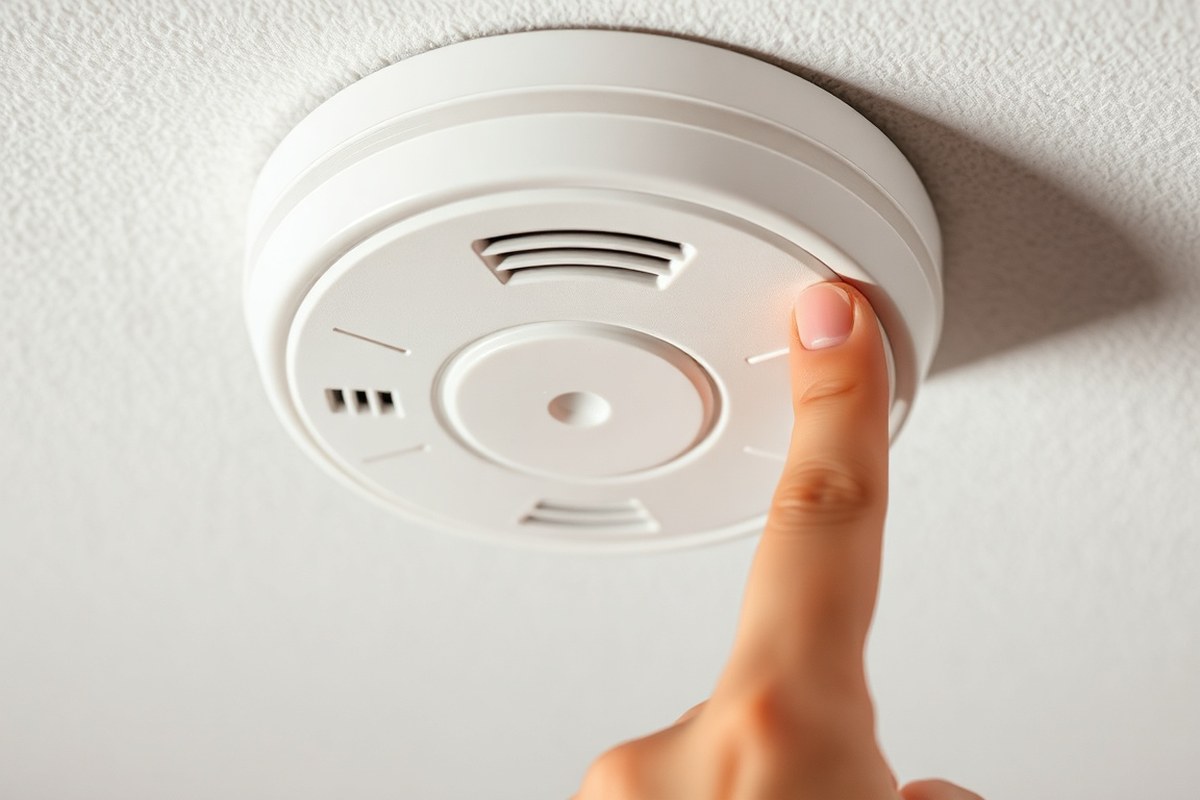
Stopping a smoke alarm from beeping without a battery starts with cutting off its power source. Pressing the silence button may only stop beeping briefly. This is often true when the unit has no batteries.
The beeping might start again soon. For hardwired alarms, unplugging or disconnecting the power helps silence the noise more effectively.
Here are clear steps to silence your smoke alarm right away. Follow these to stop the beeping quickly. Use them to prevent future noise.
- Locate the smoke alarm on your ceiling or wall where it’s installed.
- Press and hold the silence or hush button for 5 to 10 seconds. This attempt may stop the sound temporarily.
- Turn off power to the alarm at the circuit breaker to stop beeping. This will cut electricity to the unit.
- Remove the smoke alarm from its mounting bracket by twisting or unclipping it carefully.
- For hardwired models, disconnect the power wire plug from the back of the alarm.
- Leave the alarm powered off for several minutes to clear any residual charge and stop beeping.
- Check for any dust or debris and clean the unit before reinstalling.
- Reattach the unit and turn the circuit breaker back on to restart the smoke alarm.
Pressing silence alone won’t work without the battery. The battery often powers the silence function. Disconnecting power stops the alarm’s electronics from running.
This ends the beeping until power returns. This might take a few minutes for the alarm’s internal memory to clear, so be patient. Cleaning debris can also prevent false beeping and should be part of the process.
This approach costs nothing but time, typically under 15 minutes. It works best on hardwired alarms with power supplied from your home wiring. For battery-powered alarms, removing or replacing batteries is the easiest fix.
Make sure to handle electrical parts carefully and shut off breakers to avoid shocks. Consider calling a licensed electrician if you’re unsure about disconnecting wires. A pro can handle it safely.
2. Why Smoke Alarms Keep Beeping Without Batteries Installed
End-of-Life Alerts Trigger Beeping
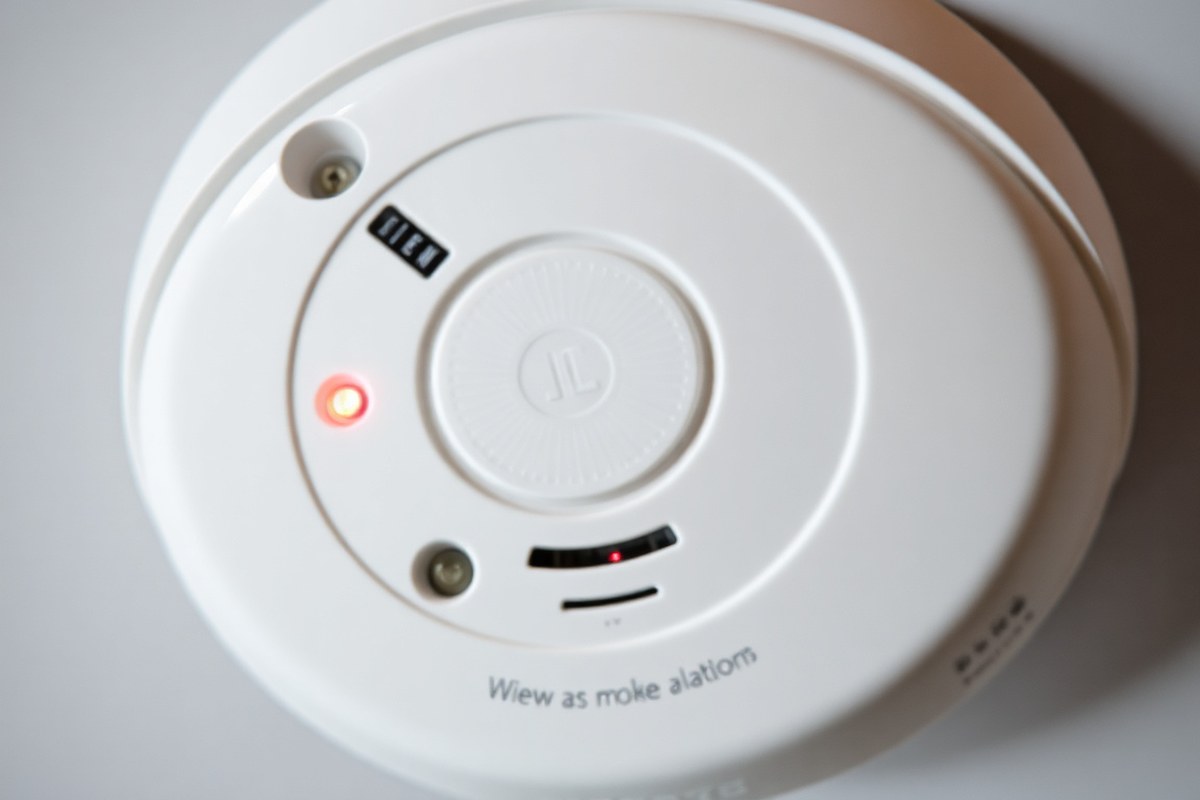
Smoke alarms often beep without a battery to warn the unit is reaching its end-of-life. Usually, this sounds like repeated chirps or a specific beep pattern. The alarm is telling you it no longer meets safety standards and should be replaced.
Manufacturers design alarms to last about 8 to 10 years. When the internal components age, the device activates this signal. Ignoring end-of-life warnings leaves you with a smoke alarm that might fail during a fire.
Backup Batteries and Power Source Issues
Some alarms keep beeping without a battery because they use a backup power source. Hardwired smoke detectors rely on house wiring plus a small backup battery. Removing the main battery doesn’t always stop beeping because power still flows through the wiring.
If the backup battery is low or dead, the alarm beeps as a warning. Repairs may require replacing the backup battery or fixing wiring problems. The device needs a steady power supply to operate without constant noise.
Sensor Malfunctions Cause Persistent Chirping
Internal sensor problems can make a smoke alarm beep even without a battery installed. Dust, dirt, or moisture inside the unit might disrupt the sensors and trigger false signals. Faulty circuit boards or wiring faults also cause endless beeping.
When sensors fail, the alarm won’t silence until repaired or replaced. This is often a sign that the smoke alarm is no longer reliable. A constant chirp unrelated to battery presence usually means the device needs professional attention.
Why Some Models Beep After Battery Removal
Certain smoke alarms beep after removing batteries because they store residual power. Capacitors inside retain a tiny charge that powers the alarm briefly after battery removal. This explain why noise doesn’t stop immediately.
Other units have failsafe electronics that require manual reset to stop beeping. You may need to press a reset button or disconnect wiring for a moment. Without resetting, the unit assumes the battery is still low or missing.
Always check the alarm’s manufacture date and reset instructions before deciding what to do.
3. How to Reset Smoke Alarms Safely Without a Battery
Resetting a smoke alarm can stop beeping when no battery is inside. You often need to press and hold the reset button to clear the alarm’s memory. Disconnecting power fully helps reset hardwired alarms safely.
Resetting Battery-Only Smoke Alarms
Battery-only alarms need a full reset to clear stored alerts. Pressing the reset or test button for 15 to 20 seconds usually does the trick. This clears error messages and stops false beeping.
Follow these steps to reset your battery-powered smoke alarm:
- Remove the battery from the smoke alarm.
- Press and hold the reset button (often labeled “test”) for 15 to 20 seconds.
- Release the button and wait for the alarm light to stop flashing.
- Replace the battery if needed or leave it out if testing reset.
- Mount the alarm back on the ceiling or wall.
- Test the alarm briefly by pressing the test button again.
Holding the button this long wipes any stored fault alerts. The alarm’s light should switch off or flash differently to confirm the reset. Keep cleaning or replace the alarm if it keeps beeping.
Resetting Hardwired Smoke Alarms
Hardwired alarms get power from your home’s AC system. To reset them, you must cut off the AC power safely. This stops the alarm and clears its internal memory.
Complete these steps to reset a hardwired smoke detector:
- Switch off the circuit breaker controlling the smoke detector.
- Remove the detector from its mounting bracket.
- Disconnect the alarm’s wiring harness carefully.
- Remove the backup battery if present.
- Press and hold the test/reset button for 15 to 20 seconds.
- Reconnect the wiring harness and reattach the alarm.
- Turn the circuit breaker back on to restore power.
- Press the test button briefly to check the reset.
Cutting the breaker prevents electrical damage and allows a safe reset. Holding the test button clears the alarm’s fault memory.
Don’t force the reset if the alarm keeps chirping without power. It may need replacement.
When to Reinstall or Replace After Reset
After resetting, the alarm should stop beeping and respond normally. The test button should produce a steady alarm sound without random chirps. Clean the sensor or replace the alarm when it beeps or flashes wrongly.
Smoke alarms commonly last about 10 years and can malfunction past that time. Resetting works only if the internal components are intact. Persistent beeping without a battery can signal sensor failure or expired parts, calling for replacement.
4. Cleaning and Environmental Factors That Cause False Beeping
Dust buildup inside a smoke alarm can cause false beeping even without a battery. Dust blocks the sensor, making the alarm think smoke is present.
Dirt and small insects can do the same. So cleaning is key to stopping unwanted chirps.
Humidity and steam can also trigger false alarms. Moist air affects the sensor’s sensitivity, especially in kitchens or bathrooms. Extreme temperature changes can make the alarm beep falsely.
Hot steam hitting a cool sensor often causes this. This sudden temperature shift triggers false alarms.
To clean and reduce false beeping, follow these steps carefully:
- Turn off the power or remove the battery if installed.
- Use a vacuum cleaner with a soft brush attachment.
- Gently vacuum all sides of the alarm, focusing on vents and sensor openings.
- Wipe the outside with a soft, damp cloth; avoid getting moisture inside.
- Allow the unit to dry for at least 10 minutes before restoring power.
- Check the placement, move the alarm away from kitchens or bathrooms to lower steam exposure.
- Clean the alarm every six months to prevent dust build-up.
Cleaning costs nothing but time, usually about 10 to 15 minutes per alarm. Regular cleaning stops dust and debris from triggering false alerts. Avoid using sprays or water inside the smoke alarm, as this can damage it.
Keeping humidity below 60% near smoke alarms helps too. Use fans or dehumidifiers in high-moisture areas to protect the sensors. Placing alarms away from cooking fumes or showers will reduce steam-triggered chirping as well.
5. How to Identify and Silence Hardwired Smoke Detectors Beeping Without Battery
Hardwired smoke alarms run on your home’s electrical system but usually include a backup battery. The backup battery keeps the alarm working during power outages. It can beep if the battery is low.
Faulty batteries can also cause beeping. You might need to turn off power to check the battery.
Inspecting or disconnecting the battery can stop constant beeping. This helps when no battery is installed.
Locating and Removing Backup Batteries
Many hardwired alarms have a backup battery, often a 9-volt rectangular cell, inside the detector casing. Some alarms have sealed lithium batteries made to last 10 years.
You can’t replace these batteries alone. When low, you must replace the whole alarm unit.
Open the alarm by twisting or unclipping the cover. Look for a battery compartment near the wiring. Remove the backup battery carefully to stop false beeping temporarily.
- Turn off the power to the smoke alarm at the circuit breaker before opening the unit.
- Twist or unclip the detector from its base on the ceiling or wall.
- Look inside the unit for a battery compartment or backup battery.
- Find a battery? Take it out carefully. Look it over closely for damage or leaks.
- Replace with a new battery if you want a temporary fix or permanent fix.
- Close the alarm and restore power to test if beeping stops.
Backup batteries can hide inside a sealed compartment or behind the detector face.
Turning Off AC Power Safely
Disconnecting AC power stops the smoke alarm from beeping if it’s due to electrical issues. Turn off power to the alarm by cutting the circuit.
Or, disconnect the alarm from its wiring. This can stop the alarm from beeping.
Always turn off power at the breaker box to avoid shocks. Test the alarm by pressing the test button to confirm power is off before handling.
- Find your home’s circuit breaker panel.
- Switch off the breaker labeled for smoke alarms or the room.
- Press the alarm’s test button to check if the power is off.
- Unclip or twist the alarm away from its base to access wiring.
- Disconnect the wiring connector if you don’t want to cut power to other devices.
- Replace the unit or check wiring before restoring power.
- Turn the breaker back on after resolving the issue.
Never work on wiring with power on; always double-check with a tester.
Checking Wiring and Connections
Loose or corroded wiring can cause power fluctuations and constant chirping in hardwired alarms. Inspect wiring for damage or poor connections during maintenance.
Look inside the detector and the wiring box for frayed wires or loose terminals. Tighten any connections and replace damaged wires as needed.
- Turn off power to the alarm at the circuit breaker panel.
- Remove the alarm from the ceiling or wall base.
- Inspect wiring and connectors for corrosion, frays, or looseness.
- Tighten any loose wire nuts or terminals securely.
- Cut out and replace any damaged sections of wire carefully.
- Reattach the alarm and restore power to test the fix.
Old or damaged wiring is a common cause of false smoke alarm beeps.
6. Signs Your Smoke Detector Needs Full Replacement
Smoke alarms usually have a lifespan of about 8 to 10 years. Yours is older, so replace it to keep your home safe. Even alarms younger than that often need replacement if they show certain beeping signs.
Continuous chirping after a new battery means a problem. It often means the unit has reached its life end. Regular chirps show you should replace it soon.
Some models emit specific beeping patterns or sensor error noises to indicate full replacement is needed. Checking your alarm’s user manual can clarify what those chirps mean.
The manufacture date is on a sticker, often on the back or inside the battery compartment. It shows the month and year made.
For example, a label might read “03/2015,” meaning March 2015. Use this date to figure out your alarm’s age.
- Check the manufacture date sticker to find the unit’s age.
- Look up the user manual or model info to understand beep patterns.
- Replace units older than 10 years or showing end-of-life chirps.
- Test the sensor if beeping continues after battery replacement.
- Note that combination smoke/CO alarms often need replacing after 5-7 years.
- Keep new alarms in place to avoid disabling your home’s fire alert.
Sensor errors are another sign. When the alarm signals a fault repeatedly, it often means the sensor isn’t working right. This usually means replacing the entire device is safer than fixing just the battery.
Replacing a smoke alarm costs about $15 to $50 depending on model and features. Installation is quick, taking about 10 minutes for basic units. Putting in a new alarm stops beeping issues caused by old or faulty sensors.
7. Common Mistakes That Prolong Smoke Alarm Beeping Without Battery
Removing the battery isn’t enough if your smoke alarm is hardwired. Those units draw power from your home’s electrical system. You must shut off the breaker to silence the beeping completely.
Not clearing the alarm correctly often makes it keep beeping. Hold down the reset or test button for 15 to 20 seconds. This resets the device and should stop the repeated sound.
Another mistake is overlooking other alarms connected in the system. Hardwired smoke alarms often link so all sound together. Check and reset every device to isolate the one causing the noise.
- Don’t assume battery removal stops all units; turn off the breaker too.
- Hold the reset button for at least 15 seconds for a full reset.
- Test and reset every hardwired alarm tied to your system.
- Avoid DIY fixes like removing parts or wiring changes.
- Remove the smoke alarm from its base if beeping continues.
- Consult the manufacturer’s manual for model-specific reset steps.
Ignoring these guidelines risks prolonged annoying beeping or damaging the alarm. Some models store error codes that reset buttons clear. Failing to follow steps from the manual can cause you to miss important actions.
DIY repairs beyond basic reset and cleaning aren’t safe. Smoke alarms have delicate sensors and electrical parts.
Incorrect handling can break the alarm or void warranties. It’s safer to replace the unit or call a professional if you’re unsure.
8. Routine Maintenance to Prevent False Beeping Without Battery
Dust and dirt can cause your smoke alarm to beep falsely. Clean it every six months to keep dust away. Use a soft brush vacuum or compressed air to clear dust gently.
Regular battery replacement helps avoid beeping caused by low power warnings. Change batteries once a year, or as the manufacturer recommends. Even if the alarm is hardwired, replace the backup battery yearly to keep it working smoothly.
Control environmental factors around your smoke detector to prevent false alerts. Avoid placing alarms near vents, kitchens, or bathrooms where steam and cooking smoke can trigger them. Keep the area dry and well-ventilated to reduce dust accumulation and humidity issues.
- Test your smoke alarm monthly by pressing the test button
- Clean the unit with a vacuum or compressed air every six months
- Replace batteries every 12 months, even in hardwired models
- Keep alarms away from kitchens and bathrooms to reduce false alarms
- Avoid painting or covering the smoke alarm
- Check for loose wiring or corroded contacts during cleaning
Scheduling a professional inspection every few years makes sense for hardwired systems or larger homes. They can detect wiring problems or sensor wear that you might miss. Professional checks cost between $75 and $150.
These inspections keep your alarm working well. They also help you follow safety rules.
Always turn off power to hardwired alarms before cleaning to avoid accidents or damage.
9. When to Contact a Professional for Persistent Beeping Issues
Call a professional if your smoke alarm keeps beeping after you try all fixes. Persistent beeping might mean wiring issues or a sensor problem beyond simple resets. These issues can risk your home’s safety if not corrected properly.
Smoke alarm technicians check wiring, test sensors, and replace parts if needed. They can find hidden electrical problems causing false alarms. A pro can also ensure your device links properly to your home’s power and other alarms.
Regular professional checks can extend your smoke alarm’s life. They often cost between $75 and $150 per visit, depending on the service needed. A good inspection keeps your alarms more reliable and reduces annoying false beeps.
Use this rule: if beeping continues after cleaning, battery checks, and resets, call help. Also, call experts if you see scorch marks near wiring. If alarms go off without cause, get a professional.
Both signs mean you should act fast. These signs suggest wiring or sensor damage.
Technicians can replace hard-to-access parts and ensure your alarm meets local safety codes. They may also upgrade old alarms for better protection. Don’t delay if your alarm acts up; waiting risks safety and can complicate repairs.
Step-by-Step Action Plan to Stop Smoke Alarm Beeping Without a Battery
Use these simple steps to stop your smoke alarm safely. Check if it needs repair or replacement afterward.
- Before You Start: Turn off the power at your home’s circuit breaker to avoid shocks. Verifying the power is off protects you throughout the process.
- Within 10 Minutes: Remove the smoke alarm from its mounting base and unplug any connected wires. The beeping often stops when the device is disconnected.
- Right Away: Press and hold the test/reset button for 15 to 20 seconds. The beep stops when the alarm resets successfully.
- Within 30 Minutes: Clean the alarm thoroughly using a vacuum or soft brush. Make sure dust, dirt, or bugs aren’t causing false alarms.
- After Cleaning: Reinstall the smoke alarm carefully and restore power at the circuit breaker. Observe if it resumes normal function without beeping.
- Next 24 Hours: Monitor the alarm to catch any recurring beeping. It may be faulty if it keeps beeping without a battery or after reset.
- Within 2 Days: Consider replacing the smoke detector if beeping continues despite these steps. Old or defective alarms often cause false signals.
- As Needed: Call a licensed electrician for hardwired smoke alarms that won’t stop beeping. Keep trying only if you feel safe to do so. Professional help avoids safety risks and ensures proper repair.
Frequently Asked Questions
How Do I Stop a Smoke Alarm from Beeping Without a Battery?
Clean the detector and reset its internal memory first. This often stops false beeping caused by dust or memory glitches.
Can a Smoke Alarm Beep Without Any Power Source?
Yes, hardwired alarms may beep due to electrical faults. Check wiring and reset the device to fix the issue.
Why Does My Hardwired Smoke Detector Beep Even with No Battery?
It often signals a power surge or wiring problem. Inspect connections or call a professional electrician.
Will Removing the Smoke Alarm Permanently Stop the Beeping Without a Battery?
Removing it stops noise but disables safety. Fix the problem or replace the unit instead.
How Long Can a Smoke Detector Beep Without a Battery Before It Stops?
It depends on the model but can last days if unresolved. Regular maintenance helps avoid this.
Before You Go
A smoke alarm that beeps without a battery usually needs cleaning, resetting, or replacement. Take action by testing and cleaning the detector first. Replace the smoke alarm or hire a professional to inspect hardwired units if it keeps beeping.