How Long Does It Take for the Battery to Charge? A Complete Guide with Timelines and Tips
The charging time depends on the device type. Battery size matters too. Bigger batteries take longer to charge.
Phone batteries usually charge in about 1.5 to 2 hours from low to full. Car batteries can take much longer, often between 4 and 24 hours with a standard charger.
Fast chargers speed up this process by giving a quick boost in 30 to 60 minutes. Still, the last 10 percent of charging takes longer to protect the battery’s health. Charging times depend on factors like battery type, how empty it is, and the charger’s power.
Start by checking the battery’s current charge and the charger’s output rate. Avoid leaving a battery on a fast charger too long, it might cause damage. Understanding these basics helps you manage charging time better and keep your battery healthy.
Key Takeaways
- Phone batteries typically reach full charge in about 1.6 hours from near empty.
- Deeply discharged car batteries often need 4 to 12 hours with a 5-10 amp charger.
- Electric vehicle batteries can take 4 to 15 hours to fully charge, depending on size.
- Fast chargers provide a quick charge in under an hour but extend charging slowly after 80%.
- The last 10% of battery charge takes longer to avoid battery wear and overheating.
- Measuring resting voltage after cooling gives a true reading of battery charge level.
How Long Does It Typically Take Batteries to Charge?
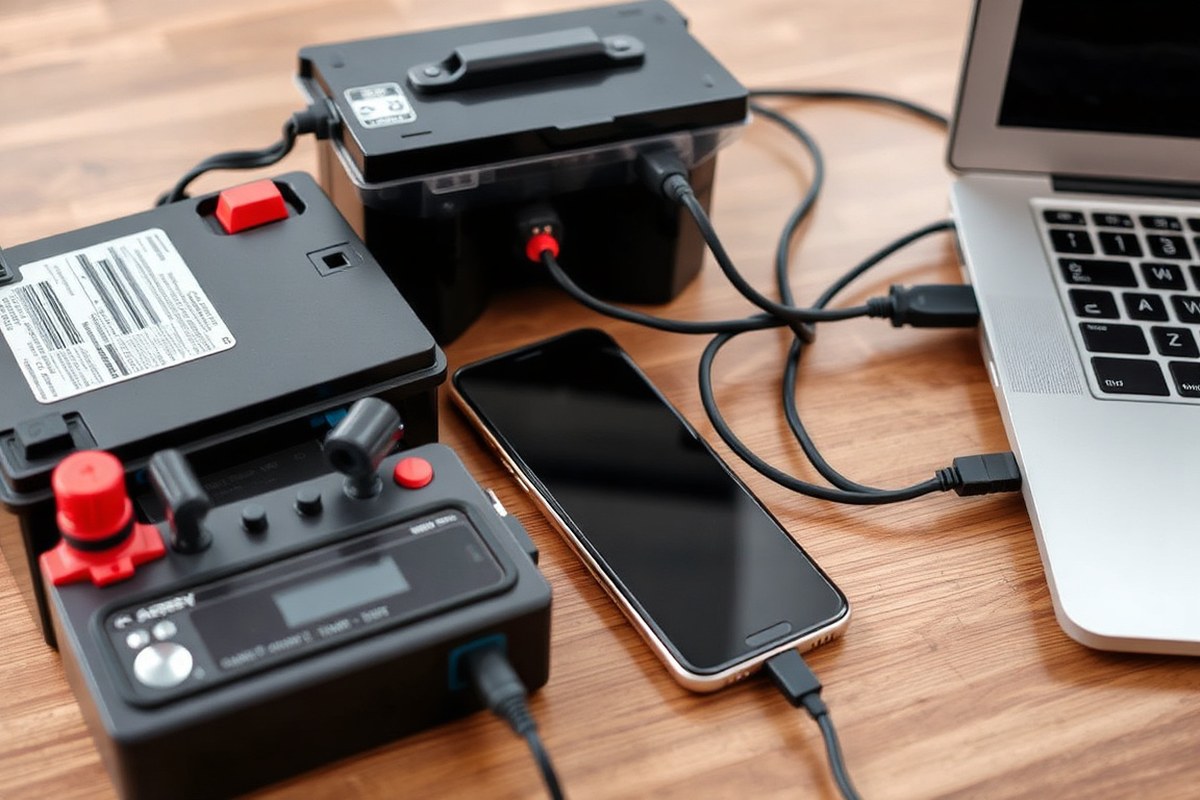
Charging times depend heavily on battery size and charger type. Small devices like phones usually finish faster than large car batteries. Knowing typical times helps plan charging and avoid surprises.
Phones with 2500-5000 mAh batteries take about 2 to 4 hours on standard chargers. Fast chargers cut this to 1 to 2 hours. Power banks around 10,000 mAh can take 3 to 6 hours standard, or 1.5 to 3 hours fast.
Laptops often fall between 1.5 and 2.5 hours depending on their battery and charger size. Car batteries are the slowest, needing 4 to 12 hours with typical 5-10 amp chargers.
| Battery Type | Typical Capacity | Standard Charger Time | Fast Charger Time | Notes |
|---|---|---|---|---|
| Smartphone | 2500-5000 mAh | 2, 4 hours | 1, 2 hours | Fast charging varies by device and charger |
| Power Bank | 10,000 mAh | 3, 6 hours | 1.5, 3 hours | Input rating affects charging time |
| Laptop | Varies (HP ~40-60 Wh) | 1.5, 2.5 hours | Depends on model; typically faster | Charging time depends on charger output |
| Car Battery | 45-75 Ah | 4, 12 hours | Varies; generally hours even with fast chargers | Depends on discharge level and charger amps |
Battery size greatly impacts the charging duration. Larger capacities need more time. For example, a phone’s battery is a few thousand mAh.
A car battery has tens of thousands of mAh. This difference means car batteries take much longer to charge fully.
Some devices support fast chargers, which reduce time significantly. But fast charging is limited for car batteries. Even EVs can take 30 minutes to 15 hours to charge.
Charging time depends on the battery size and charger type. Some chargers fill batteries faster than others. Laptops and phones benefit more because they have smaller batteries.
What Factors Affect Battery Charging Time?
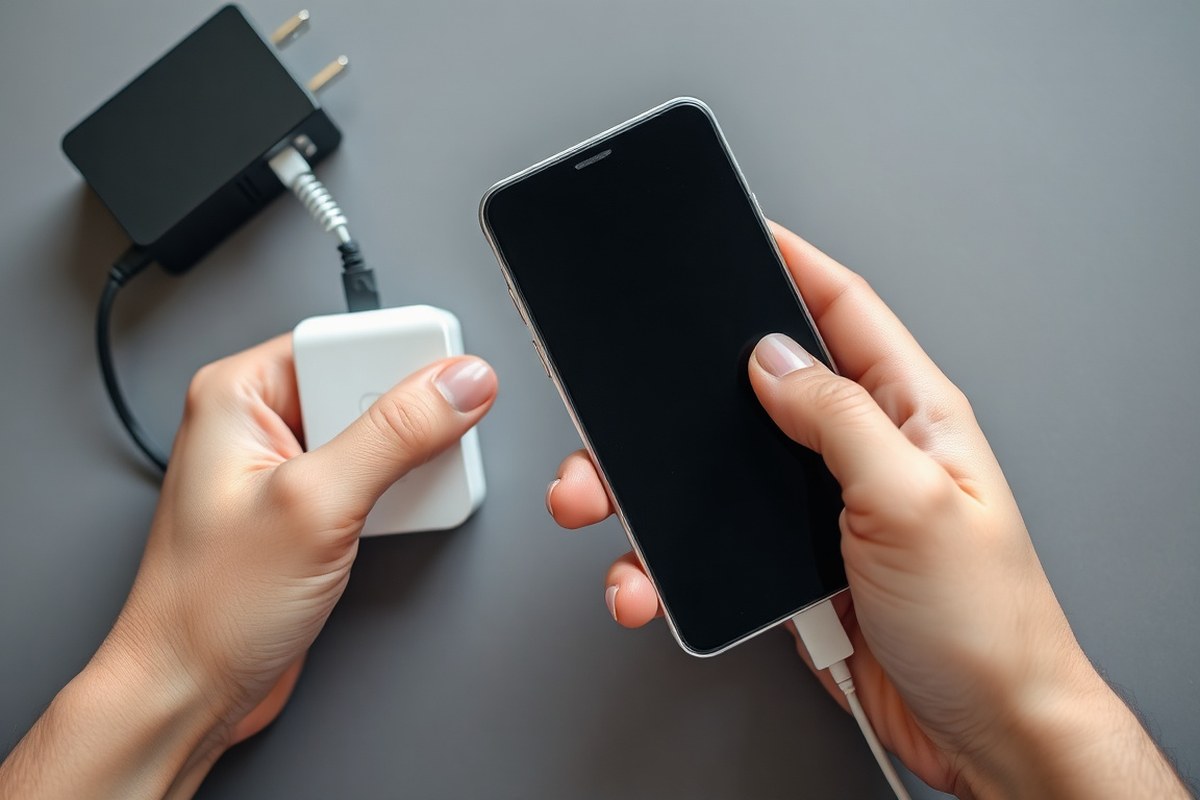
Battery charging time changes because of many factors inside and outside the battery. Charger type, battery chemistry, temperature, and how discharged the battery is affect how fast it charges. Knowing these can help you charge smarter and avoid problems.
Charger Type and Output Current
Chargers differ by output current measured in amps, which affects charging speed. A 20-amp fast charger will fill a 40 Ah battery in about 1.3 hours. A 2-amp trickle charger takes 12.5 hours for the same battery size.
Using a USB-C charger often delivers faster charging than older AC adapters. Chargers that match your battery’s specifications avoid damage and optimize charge time.
Battery Chemistry and Capacity
Different battery types hold and accept charge differently. Lithium-ion batteries usually charge faster than lead-acid batteries because of higher charge efficiency.
For example, a 12V 100Ah LiFePO4 battery takes around 4.2 hours to charge at 20 amps. A lead-acid battery may need 6 to 8 hours.
Battery capacity in amp-hours also matters. Larger batteries take longer to charge at the same current. For instance, charging an 80 Ah battery at 10 amps takes about 5 hours.
Temperature’s Effect on Charging Speed
Charging performs optimally in temperatures from 50°F to 95°F (10°C to 35°C). Low temperatures cause slower chemical reactions inside batteries, making charging less efficient. High heat might trigger safety measures that reduce charging speed or harm the battery.
Try charging devices in a room-temperature environment when possible. Avoid charging outside on freezing or very hot days.
State of Discharge and Charging Curve
A battery with 50% charge will fill faster than one with 10%. Early in the charge cycle, the battery accepts current quickly. Near full charge, the charger lowers current to avoid overheating and overcharging.
This tapering can cause the last 10% to take much longer than the rest. Smart chargers monitor battery voltage to reduce current near 100% charge safely.
Battery Health and Age
Older batteries with worn cells or reduced capacity take longer to charge fully. Battery internal resistance rises with age, limiting current flow. This also causes more heat and lowers charging efficiency.
Keeping your battery healthy by avoiding full discharges and extreme temperatures helps maintain fast charging. Replace batteries that take much longer than usual to charge.
- Choose chargers with output current matching your battery specs
- Keep charging between 50°F and 95°F for best results
- Start charging when battery is reasonably discharged, not nearly empty
- Avoid quick bursts of fast charging on older batteries
- Use smart chargers that taper current near full charge
Charging batteries in very cold or hot temperatures can reduce efficiency and damage your battery.
Charging Stages Explained: Why the Last 10% Takes Longer
The battery charges in three main stages: bulk, absorption, and float. Each stage affects how quickly the battery fills and how long the last 10% takes. This slow finish helps protect the battery and extend its life.
Bulk Charging: Fast Initial Charge
The bulk phase pushes the maximum current into the battery until it reaches about 80% full. This stage is the quickest, topping up the battery fast to save time. For example, this is why car batteries or phones charge quickly at first.
During bulk charging, the battery voltage gradually rises as it fills with energy. The charger supplies a strong current without much resistance from the battery yet. This fast rate gives you a usable charge in 30 minutes.
Many devices can reach a good charge within an hour. This saves time when you need power quickly.
Absorption Phase: Slowed Charging for Safety
Once the battery hits roughly 80% to 90%, charging slows in the absorption phase. The charger holds the voltage steady and reduces the current to avoid overheating or damage. This stage can take as long or longer than bulk charging.
Absorption charging is important because it lets the battery fill completely without stress. It balances the chemical reactions inside, preventing gassing or degradation. Lead acid car batteries often stay in absorption mode for hours to finish safely.
Float Charging: Maintaining Full Charge
The float phase keeps the battery topped off by supplying a very low current. This mode activates after the battery is fully charged to compensate for natural self-discharge. Float charging protects the battery from losing power and prevents overcharging.
Float charging can run continuously, especially in backup systems or solar setups. It uses just enough power to keep the battery stable without stressing it. The last 10% of charge takes longer to finish.
This stage protects the battery and helps it last longer. It balances charging speed and battery health.
How to Calculate Battery Charge Time Yourself
You can estimate battery charging time using a simple formula. This calculation relies on battery capacity, charger current, depth of discharge, and efficiency. It gives a rough idea but can vary with conditions.
Basic Formula for Charge Time
The main formula is: Charge time = Battery capacity times depth of discharge divided by charge current times efficiency
Battery capacity is measured in ampere-hours (Ah). Depth of discharge (DoD) shows the part used, like 0.5 means 50%.
Charge current is in amps (A). Efficiency is a decimal around 0.85 to 0.95).
Why Include Depth of Discharge
Depth of discharge means how much charge the battery lost. You drained only 40%.
So, charge only that 40% back. This lowers the time needed to recharge, making your estimate more accurate.
Estimating with full capacity can make time too long. You rarely charge from empty.
Factoring in Charger Current and Efficiency
Charger current determines how fast the battery can get power. Higher amps mean faster charging. But not all energy converts to stored charge.
Charge efficiency accounts for power loss during charging. Heat and chemical reactions reduce efficiency.
Typical values range from 85% to 95%. Using 90% (0.9) is a good middle ground.
Step-by-Step Calculation Method
Follow these steps to get a reliable charge time estimate. Write down your battery specs and charger output before starting.
- Note the battery capacity in ampere-hours (Ah) from the battery label.
- Decide how much charge you want to replace, expressed as a decimal (depth of discharge).
- Check your charger’s current rating in amps (A).
- Choose an efficiency factor between 0.85 and 0.95 based on your charger and battery type.
- Apply the formula: Charge time = (Capacity × DoD) ÷ (Current × Efficiency).
- Calculate the time in hours using your numbers.
- Adjust your estimate if you plan partial charging or use fast charge modes.
Worked Example of Charging a Laptop Battery
A laptop has a 60 Wh battery. Convert that to ampere-hours at 12 volts.
| Step | Value |
|---|---|
| Capacity | 60 Wh ÷ 12 V = 5 Ah |
| Depth of Discharge | 0.5 (50% drained) |
| Charger Current | 2.5 A (typical laptop charger) |
| Efficiency | 0.9 |
Plug values into the formula: Charge time = (5 Ah × 0.5) ÷ (2.5 A × 0.9) = 2.5 ÷ 2.25 ≈ 1.1 hours This means it takes about 1 hour and 6 minutes to recharge half the battery.
Estimating Partial Charge Times
You can use the same formula for partial charges. Just change the depth of discharge to the fraction you want to restore. For example, charging from 20% to 80% means a 0.6 DoD.
Partial charges take longer near full. Slow top-up charging causes this. This formula gives a quick estimate.
How Charging Times Differ Across Battery Types
Battery chemistries affect how fast they charge and why. Lithium-ion batteries charge quickly due to low internal resistance and efficient energy flow. This makes them common for smartphones and laptops needing fast top-ups.
Lead-acid batteries, often in cars, have a slower absorption phase. This is the last charging stage where the battery voltage stays high.
Current slowly tapers off. New AGM variants charge quicker because they handle higher current better than standard lead-acid ones.
Rechargeable AA or AAA batteries are typically nickel-metal hydride (NiMH). They take 1 to 4 hours to charge. Charging time varies by mAh capacity.
The charger type also affects how fast they charge. Higher capacity cells or slow chargers extend charging time.
| Battery Type | Typical Charging Time | Why Charge Time Differs |
|---|---|---|
| Lithium-ion (smartphones, laptops) | 1 to 3 hours | Low internal resistance, fast energy flow |
| Lead-acid (car batteries) | 6 to 12 hours (absorption phase slow) | Slower current tapering, battery chemistry limits |
| AGM Lead-acid (advanced car batteries) | 3 to 6 hours | Lower resistance allows faster charging current |
| NiMH rechargeable AA/AAA | 1 to 4 hours | Capacity size and charger speed vary times |
Choosing the right charger for your battery type matters most. Using a high current charger on NiMH batteries may cause overheating. Car lead-acid batteries use chargers that handle the absorption phase carefully to avoid damage.
Tip: Always use a charger matched to your battery’s chemistry and follow its charging guidelines closely.
How Long Does It Take to Charge Car Batteries While Driving and with Chargers?
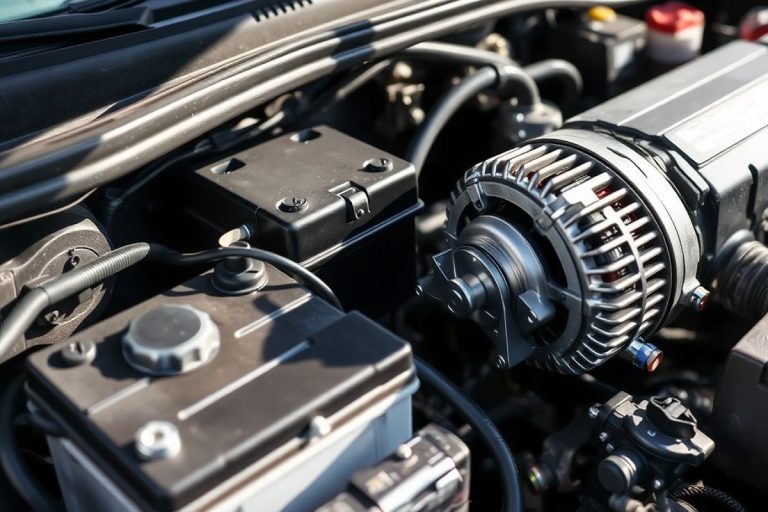
You can recharge a dead car battery by driving, but it takes time. The alternator charges the battery while the engine runs. It usually takes at least 30 minutes of highway driving.
This drives enough charge into the battery. After that, the car should start reliably again.
Driving less than 15 minutes won’t fully recharge the battery, especially if it was completely dead. The alternator delivers a slower, limited current compared to external chargers. This method mainly tops off the battery rather than fully charging it.
External battery chargers vary in power, which affects charging time. A 2-amp trickle charger can take 24 to 48 hours. It works slowly to fully charge a car battery.
You need patience with this charger type. A 10-amp charger charges much faster.
It finishes charging in about 6 to 12 hours. This is a good option for quicker charging.
A 4-amp smart charger works well for faster charging. It’s great for AGM, EFB, and lithium-polymer batteries. It gives faster results than slower chargers.
Smart chargers change current flow as needed. They stop charging properly to protect your battery. This helps fully restore your battery’s power.
To get the best from your alternator, keep a steady speed. Drive on the highway for at least 30 minutes. This helps optimize your battery charging.
Avoid frequent stops or idling, as it reduces the alternator’s efficiency. Also, turn off non-essential electronics to lessen the battery load.
Using an external charger, watch the amperage and charge time closely. Higher amperage chargers reduce charging hours but may cost more upfront. Slow chargers cost less but take longer and suit maintenance charging better.
A dead battery often needs two methods. First, jump start and drive for 30 minutes.
Then use an external charger for several hours. That way, you fully restore capacity and won’t face starting issues soon.
Fast Charging: Speed Benefits and Battery Health Risks
Fast charging cuts down your device’s charging time by boosting the power supply. It often gets your battery to 50-80% in 30 to 60 minutes. This works by increasing voltage or current.
It lets your battery fill faster. This is much quicker than standard charging.
Many smartphones, newer laptops like some HP models, and electric cars support fast charging today. Phone brands often include fast chargers in the box or offer them as an option. Electric vehicle Level 2 chargers also speed things up compared to regular outlets.
Fast charging can shorten your battery’s lifespan if used too often. Charging to 100% regularly, especially with high power, puts strain on the battery’s cells. Over time, this strain reduces its total capacity and how well it holds a charge.
- Plug into original or certified chargers to ensure proper power delivery.
- Avoid charging the device in very hot or cold places to protect the battery.
- Unplug the charger once it hits about 80% to reduce battery wear.
- Use fast charging mainly when you need a quick boost, not every day.
- Keep software updated, as manufacturers often improve charging controls.
Devices’ fast-charging speeds vary widely. For example, some phones charge at 18-30 watts.
Others reach 65 watts or more. Laptops with fast charging can go from 0% to 50% in about 30 minutes.
Careful use of fast charging keeps its convenience without hurting your battery too much. Following simple tips helps maintain battery health and avoids early replacements.
Common Charging Mistakes and How to Avoid Them
Charging your device overnight can stress the battery. Leaving it at 100% for hours causes this. Try unplugging once fully charged.
Batteries last longer when you unplug after reaching 80%. This practice keeps the battery from staying at peak charge, which slowly wears it down.
Using the charger that came with your device is best. Chargers with the wrong voltage or amperage can harm your battery or slow charging. Chargers made for your phone or laptop use the right current to keep your device healthy.
Fully discharging your battery often can shorten its lifespan. Lithium-ion batteries don’t like deep drains. Keeping your charge between 20% and 80% helps the battery last longer and charge faster overall.
- Avoid letting your battery reach 0% often; recharge at 20% or above.
- Stop charging once your battery hits about 80% instead of 100%.
- Use only the manufacturer’s charger or a verified equivalent.
- Unplug your laptop or device after it fully charges if possible.
- Don’t leave devices plugged in for days, especially older models.
- Store devices at about 50% charge if you won’t use them for weeks.
Fast chargers are tempting but may increase heat and stress your battery. Heat from charging is a big cause of wear. Notice your device getting hot while charging?
Unplug it. Let it cool down before charging again.
Some smart chargers reduce voltage when the battery’s full. This float charging avoids overcharging without stopping the power. It helps maintain a car battery’s health during long park times or after a full charge.
Use the 80% charging rule and unplug promptly to keep your battery healthy longer.
When to Call a Professional for Battery Charging Issues
Charger or battery problems can slow charging or stop it completely. You might notice your device won’t reach full charge even after hours. This usually means the charger or battery needs checking or replacing.
To figure out whether your charger is defective, try a different charger with the same device. Charging works fine with another charger? Your original charger likely has issues.
Also, check the charging cable for cracks, frayed spots, or loose ends. Damaged cables or plugs often cause slow or no charging.
Batteries that are failing show several signs. They hold less charge than before and drain quickly. Your device might overheat during charging or feel unusually hot when in use.
Sometimes, the battery swells, pushing the device’s case out of shape. These are red flags to stop charging and get professional advice.
- Device won’t turn on or charge after a full night connected
- Battery drains faster even after a full charge
- Charging port feels loose or sparks when plugging in
- Battery swells or warps the device’s back cover
- Overheating during or shortly after charging
- Charger or cable gets hot or smells burnt
- Test charger with another device and see if it works
Sometimes a simple part swap fixes the problem. Cables or chargers cost $10 to $30. Battery replacement is trickier.
Battery swaps for phones or laptops cost $50 to $150. The price depends on model and labor. For electric vehicle batteries, costs are much higher and usually handled by dealers or certified centers.
Call a professional immediately if your device heats up dangerously or if the battery has swollen. Don’t try to fix battery swelling yourself; it’s a fire risk. Persistent charging problems, even with new chargers and cables, need expert tests.
They check for damage inside. Experts run diagnostics to find if battery capacity fell or circuit needs fixing.
Step-by-Step Action Plan for Managing Battery Charging
Follow these simple steps to get the best charging results for your batteries. Each step helps you check if your battery charges safely and efficiently.
- Before charging: Use the right charger for your battery type. Confirm it matches voltage and current specs.
- Start of charging: Plug in and observe that the device shows charging is active. This means the connection works.
- First 50% charge: Keep the device plugged in but avoid heavy use. Check if charging speed matches expected times.
- Last 10% charge: Expect slower charging. Avoid unplugging to let the battery complete its final stage.
- After full charge: Unplug promptly to prevent overcharging. Look for “full charge” indicator or charger light.
- Weekly maintenance: Monitor battery temperature during charging. When it feels hot, stop charging and move to a cooler place.
- Monthly check: Use your device until the battery drops below 20%, then fully charge it. This helps recalibrate battery indicators.
- When in doubt: Battery drains fast or won’t fully charge? See a technician. Schedule a check-up to avoid bigger problems.
Frequently Asked Questions
How Long Does It Take to Charge a Phone Battery To 50%?
Charging a phone battery to 50% typically takes about 30 to 45 minutes with fast charging. This is usually the quickest phase because the battery accepts energy more readily at lower levels.
Can a Battery Be Charged Too Quickly and Get Damaged?
Yes, charging a battery too fast can cause overheating and reduce its lifespan. It’s best to use the charger designed for your device to avoid damage.
How Long Does It Take to Charge a Dead Laptop Battery?
Charging a completely dead laptop battery usually takes around 2 to 3 hours. This varies by charger wattage and if the laptop is off or in use.
Does Weather Temperature Affect Battery Charging Time?
Cold weather slows down battery charging time significantly, sometimes doubling it. Batteries charge more efficiently at room temperature or slightly warmer.
How Does Battery Age Affect Charging Speed?
Older batteries charge more slowly and hold less charge overall. This happens due to wear and chemical changes inside the battery over time.
Final Thoughts
Batteries charge at different speeds depending on type and condition. Understanding these factors helps you avoid problems and preserve battery life. Start using proper charging habits now to keep your devices ready when you need them.